Translate PBE Codes from Java to C#

It’s great to accept online payment via your website, right? However, during the implementation of payment gateway on e-commerce website, we sometimes will receive requests from bank to enhance the security of our payment process.

Payment gateway is important on e-commerce.

One of the requests we received is to provide their API a new value to verify the integrity of the payment process request. According to the requirement, the new value is using a Password-Based Encryption (PBE). The value must be encrypted using MD5 and DES algorithm with Base64 encoding.

The bank provided us a sample code of the encryption in Java.

private static int ITERATIONS = 1000;

public static String encrypt(char[] password, String plaintext, String algorithm)
    throws Exception {
    byte[] salt = new byte[8]; 
    Random random = new Random(); 
    random.nextBytes(salt);

    PBEKeySpec keySpec = new PBEKeySpec(password);
    SecretKeyFactory keyFactory = SecretKeyFactory.getInstance(algorithm);
    SecretKey key = keyFactory.generateSecret(keySpec);
    PBEParameterSpec paramSpec = new PBEParameterSpec(salt, ITERATIONS); 

    Cipher cipher = Cipher.getInstance(algorithm); 
    cipher.init(Cipher.ENCRYPT_MODE, key, paramSpec);
    byte[] ciphertext = cipher.doFinal(plaintext.getBytes("UTF-8"));

    BASE64Encoder encoder = new BASE64Encoder();
    String saltString = encoder.encode(salt);
    String ciphertextString = encoder.encode(ciphertext); 

    return saltString + ciphertextString;
}

To use that, the documentation suggests us the following codes.

import java.util.Random;
import javax.crypto.Cipher;
import javax.crypto.SecretKey;
import javax.crypto.SecretKeyFactory;
import javax.crypto.spec.PBEKeySpec;
import javax.crypto.spec.PBEParameterSpec;
...
    String password = "xxxxxxxxxx";
    String textToEncrypt = "Hallo, world!";
    String algorithm = "PBEWithMD5AndDES";
...
    encrypt(password, textToEncrypt, algorithm);

As stated in the sample above, the algorithm is called “PBEWithMD5AndDES”, the password-based encryption as defined in RSA Security Inc. It takes a user-chosen password string and combine it with salt to generate the key by doing MDF hashing. It then applies the key on DES (Data Encryption Standard) cipher.

It looks complicated to me. Fortunately, I found a diagram describing the PBE encryption. I re-draw it so that it looks clearer.

PBE Encryption
PBE Encryption

What interest me are two items. One of them is Iteration, which has a value 1000 set to it without further explanation in the given sample code. There is already a discussion about this on StackOverflow. According to the discussion, iteration count is the number of times that the password is hashed during the generation of key. It is said that a higher iteration count will make the brute force hacking the key harder.

Another item that interests me is the salt. As shown in the diagram above, it does not use raw password to generate the key. Salt, a randomly generated bytes, is appended to the password. This is to prevent dictionary attacks.

Emulating PBE with C#

Unfortunately, our e-commerce website is built with .NET technology. Hence, I need to find out a way to encrypt data in C# in the same way as Java PBEWithMD5AndDES algorithm.

Firstly, I found a very helpful code from Bob Janova, a graduate from the University of Cambridge, on CodeProject. The code basically helps us to handle the key generation with MD5. It also takes care of the DES part with the help of DESCryptoServiceProvider class. As stated in the web page, it is very easy to use.

PKCSKeyGenerator kp = new PKCSKeyGenerator();
ICryptoTransform crypt = kp.Generate(
    password,
    salt, // salt
    1000, // iterations of MD5 hashing
    1); // number of 16-byte segments to create. 1 to mimic Java behaviour.

Right after crypt is instantiated, I do the following to make sure it is Base64 encoded. Similar code can be found on a discussion on StackOverflow regarding how to encrypt a string in .NET.

MemoryStream memoryStream = new MemoryStream();

CryptoStream cryptoStream = new CryptoStream(memoryStream, crypt, CryptoStreamMode.Write);

byte[] plainBytes = Encoding.ASCII.GetBytes(textToEncrypt);

// Encrypt the input textToEncrypt string
cryptoStream.Write(textToEncrypt, 0, plainBytes.Length);

// Complete the encryption process
cryptoStream.FlushFinalBlock();

// Convert the encrypted data from a MemoryStream to a byte array
byte[] cipherBytes = memoryStream.ToArray();

memoryStream.Close();
cryptoStream.Close();

// Convert the encrypted byte array to a base64 encoded string
string cipherText = Convert.ToBase64String(cipherBytes, 0, cipherBytes.Length);

Finally, we get the encrypted data as stored in cipherText.

Yup, it is quite straight-forward, right? =)

Entertainment Connected to Android

GCL Project + Android + OneDrive

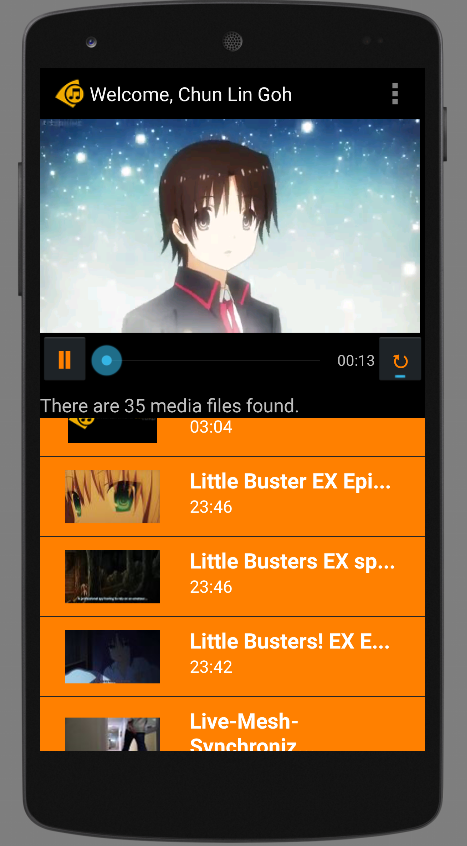
It has been two months since I completed Entertainment Connect for Windows 8 platform. Entertainment Connect is an application that is able to play those MP3 and MP4 media files stored in your Microsoft OneDrive storage.

Soon after I completed the application for Windows, I found out that more and more of my family and friends were buying Android phones. Thus, I decided to build another version of Entertainment Connect for Android.

Entertainment Connect is now available on Android devices!

Today, I would like to share what I had learnt in developing my first personal Android app which makes use of Microsoft Live SDK for Android.

New IDE: Android Studio

I have been using Eclipse for Android app development in my work. Coding with Eclipse is not easy. Luckily, Google just released Android Studio, an official IDE built specifically for Android with much powerful GUI designer. In addition, due to the fact that Google encourages developers to migrate to Android Studio, I decided to try it out.

Android Studio with the login page of Entertainment Connect.

Working with Microsoft Live SDK

Yesterday, I just received notifications from Live SDK Github saying that the team was going to support and migrate to Android Studio. Finally. When I started this project, the Live SDK only supports Eclipse ADT.

It is very easy to include Live SDK to the project in Android Studio. Firstly, I need to download the Live SDK. Just download the whole project via ZIP is enough. The project consists of some useful samples which teach us how to properly use the SDK.

Secondly, I need to add new module under Project Structure.

Add new module in Project Structure.

Thirdly, I just choose the “Import Existing Project” option which will import the Eclipse project (Live SDK) as a module.

Import existing Eclipse project as module.

Finally, to make my application being able to use the Live SDK, I need to create introduce a module dependency to my app module, as shown in the screenshot below.

Introduce module dependency between app and src (Live SDK).

That’s all. If you would like to know more details about adding SDK in Android Studio, please checkout a post in StackOverflow about the import of Facebook SDK.

Can It Be More Complicated?

When I did Entertainment Connect for Windows 8 using WinJS, to create a media player, I basically just used the following codes.

var playerContainer = document.getElementById('playerContainer');
videoPlayer = document.createElement('video');
videoPlayer.id = videoStaticUrl;
videoPlayer.controls = "controls";
var videoSource = document.createElement('source');
videoSource.src = videoUrl;
videoSource.type = 'video/mp4; codecs="avc1.42E01E, mp4a.40.2"';
videoPlayer.appendChild(videoSource);
playerContainer.appendChild(videoPlayer);

With these few lines of code, I can already get a working media player with all the controls, such as play, pause, progress bar, etc.

However, this is not the case in Android app development. I am using VideoView. Hence, I also need to build my own play/pause functions and progress bar.

Also, I realized there was a bug if I switched from playing video file to audio file on VideoView. The image part of the previous video will stay even though the audio starts playing already. Hence, I added the following few lines of code to reset the background image of the VideoView so that the image of previous video will be “erased”.

videoPlayer.setBackgroundColor(Color.TRANSPARENT);
if (availableMedia.get(position).getmMediaFileName().toLowerCase().endsWith(".mp3")) {
    videoPlayer.setBackgroundColor(Color.BLACK);
}

Loading the thumbnail of media from OneDrive is also a headache in Android.

In Windows 8 app, after adding the items returned from Live SDK to a collection, I can easily bind the items to the template easily. After that, the thumbnails will be automatically shown on the screen smoothly.

<!-- Template of the list items to show available music/videos -->
<div id="mediumListIconTextTemplate" data-win-control="WinJS.Binding.Template" style="display: none">
    <div class="mediumListIconTextItem">
        <img onerror="this.src='/images/default-video-preview.png';" class="mediumListIconTextItem-Image" data-win-bind="src : picture" />
        <div class="mediumListIconTextItem-Detail">
            <h4 data-win-bind="innerText: name"></h4>
            <h6 data-win-bind="innerText: duration"></h6>
        </div>
    </div>
</div>

In Android, I have to create a background worker to retrieve the thumbnail with the following code. Then sometime when I scroll the list, the thumbnail won’t be updated immediately. Also, I need to use some tricks to make sure the correct images are displayed on the list view.

URL thumbnailUrl = new URL(imageView.getTag().toString());
HttpsURLConnection imageConnection = (HttpsURLConnection) thumbnailUrl.openConnection();
imageConnection.setDoInput(true);
imageConnection.connect();
InputStream inputStreamOfImage = imageConnection.getInputStream();
return BitmapFactory.decodeStream(inputStreamOfImage);

Building Android App Is Fun

Yes, it is fun. However, it’s slower than Windows 8 app development. It’s just too bad that not a lot of my friends really go Windows Store to download desktop apps. So I have no choice but to build Android version of my app also.

I will try to publish Entertainment Connect to Google Play soon after I have fixed my debit card issue. Currently, I still encounter problems on paying developer registration fee with Google Wallet. Oh well.

Meanwhile, feel free to read rest of Entertainment Connect (Android) code on Github: https://github.com/goh-chunlin/EntertainmentConnectAndroid.

Entertainment Connect (Android) GitHub Banner

Renewing SSL Certificate (GoDaddy + IIS 6)

I asked my friends about how to renew SSL certificate used on a Windows Server. Unfortunately, none of them really know how to do it on IIS 6. Hence, my senior decided to work together with me to renew our existing certificate on IIS as an experiment and learning opportunity.

We got our existing SSL certificate from GoDaddy. So, our first step is to visit the SSL Certificates section in the My Account page.

After that, in the Manage Certificate section of the selected certificate, we can submit new changes of our certificate. In order to renew the certificate, we submitted the new Certificate Signing Request (CSR) there.

Submit Certificate Changes - CSR
Submit Certificate Changes – CSR

CSR and Certificate Installation

So, where did we get the CSR from? From the wizard!

Firstly, we created a new website in IIS Manager. After that, we went to the Directory Security tab of the Properties of the website to create a new certificate. From there, we could get a new CSR.

Create New Certificate
Create New Certificate - Name and Encryption Strength
Create New Certificate – Name and Encryption Strength
Key in the Organization name which will be displayed on the SSL Certificate
Finally we got the certificate request file.

Secondly, we went back to GoDaddy to submit the CSR.

Thirdly, we downloaded the certificates from GoDaddy after we submitted the CSR. With the certificates downloaded to the server, we just followed the instructions available on GoDaddy to install both the Primary SSL Certificate and Intermediate SSL Certificate.

Finally, we went to the IIS Web Site that we would like to have its SSL certificate to be renew and choose the “Replace the current certificate” option.

Replace the existing certificate with new certificate.

Done. It’s quite straightforward. Please tell me if I’m wrong or you have a better way of doing all these on IIS. Thanks in advance and happy new year! =)


Travelling with Easybook.com: Four Young Developers in 2D2N Malaysia Trip

I’m working in Easybook.com, a rapidly growing MNC with headquarter in Singapore. Easybook is currently a tour agency with the largest online coach ticketing website in Malaysia and Singapore.

This year, we successfully recruited many young software engineers from different countries. Most of them had never been to many interesting places in Malaysia. Hence, in order to help the newcomers in my team to understand more about local express bus industry and places in Malaysia, I suggested to have a short trip to Kuala Lumpur, the capital of Malaysia.

Planning the trip to Kuala Lumpur.

Purchase the Coach Tickets

After we had decided to visit Kuala Lumpur, we went to our website to book 2-way coach tickets to and from Singapore and Kuala Lumpur.

Easybook.com is a very convenient one-stop booking for travelers to plan an entire trip from beginning to end in Malaysia. By simply keying the origin and destination as well as the travel dates, we could find out the coach services suitable to us.

Search coach trips in Easybook is very simple.

After that, we proceed to book hotel rooms. Easybook.com is an affiliate agent of Agoda. Hence, we can search for the hotel rooms in Easybook.com too!

Easy Payment

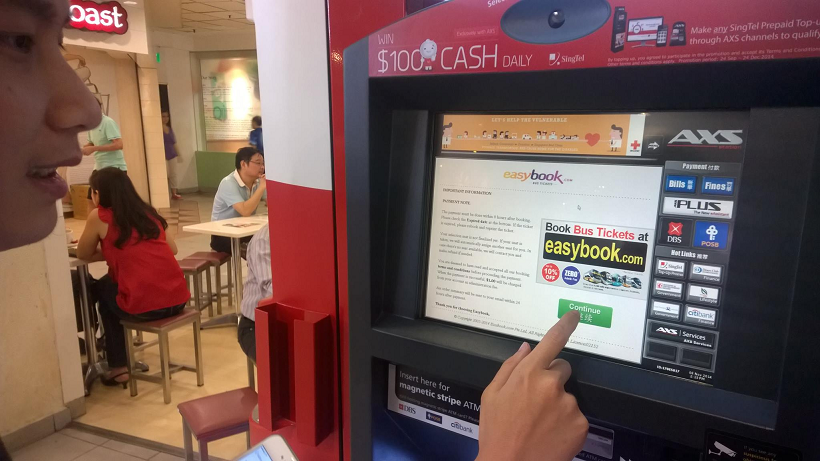
Easybook.com provides many ways for customers to make payment. AXS Station is one of them. By scanning the barcode of the coach receipts that we got from coach booking steps, we could easily make payment in any of the AXS Station located in Singapore.

Easybook customers can now make payment in AXS Station in Singapore.
Easybook customers can now make payment in Singapore AXS Station.

The Midnight Journey from Singapore to Kuala Lumpur

We checked-in at the coach counter located at Boon Lay after work. We presented our order summary printed from Easybook.com website to the counter staff. The counter is installed with Easybook system as well. Hence, the staff is able to easily validate our tickets and inform us the correct coach plate number with the help of Easybook waybill. Soon, the staff brought us to board the coach waiting outside the counter.

Coach counter staff is using Easybook system to validate our tickets.
The express coach is here!

After the journey of 5.5 hours from Boon Lay, we reached the first drop-off point in Kuala Lumpur, Terminal Bersepadu Selatan (TBS). It was around 4am. So, the entire terminal was very quiet. After that, the coach continued its journey to its last stop in Kuala Lumpur, Berjaya Times Square.

The quiet TBS at 4am.

We reached Berjaya Times Square 30 minutes later. Most of the shops, except 7-Eleven, were not yet open. The street was very quiet with only few of us walking and chatting.

Visit to Kuala Lumpur City Centre

It’s very easy to travel in Kuala Lumpur city area. You can choose to travel by bus, taxi, LRT, train. Or, if you are as young as us, then you can walk from one attraction to another!

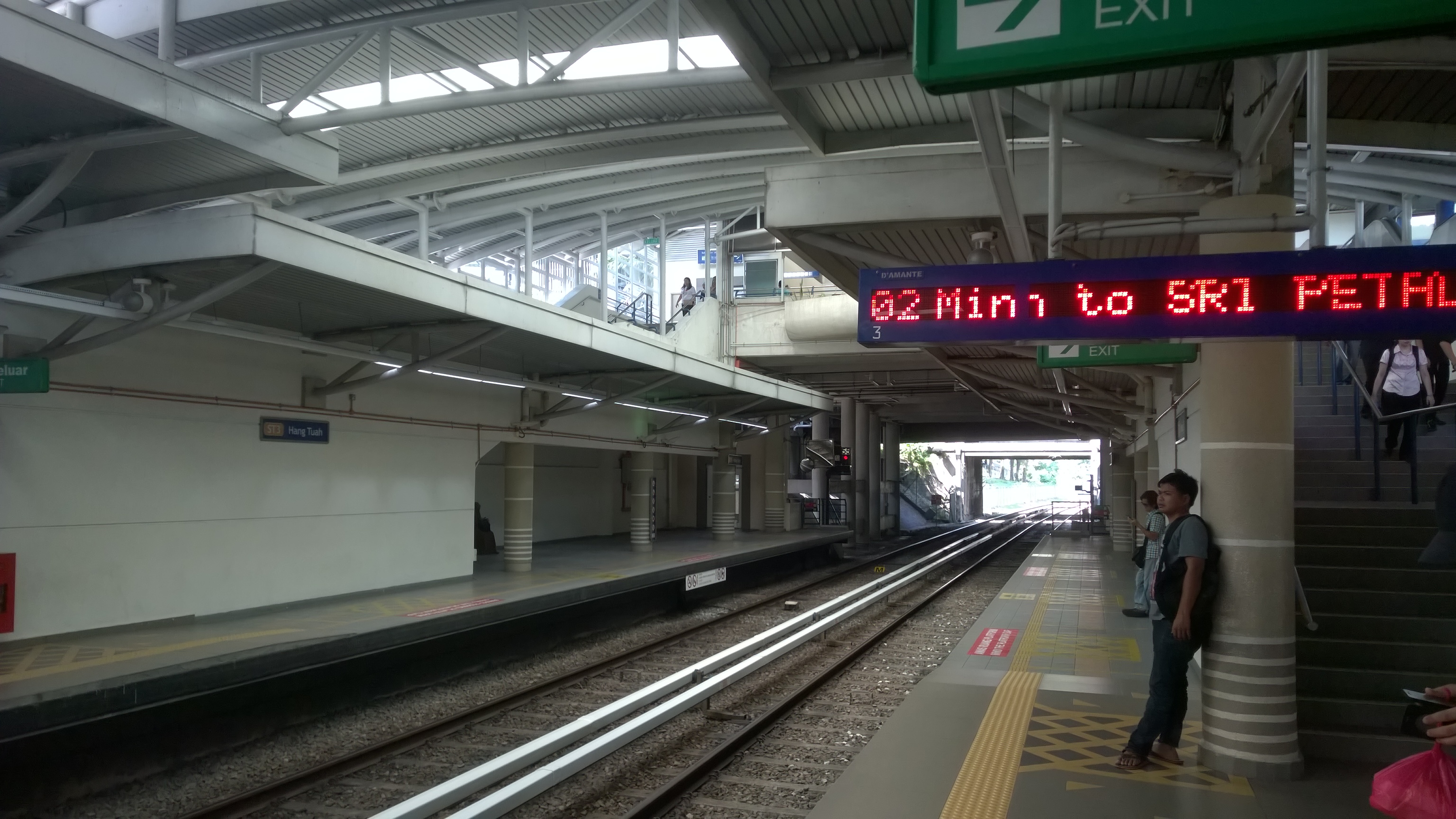
Waiting for RapidKL LRT.

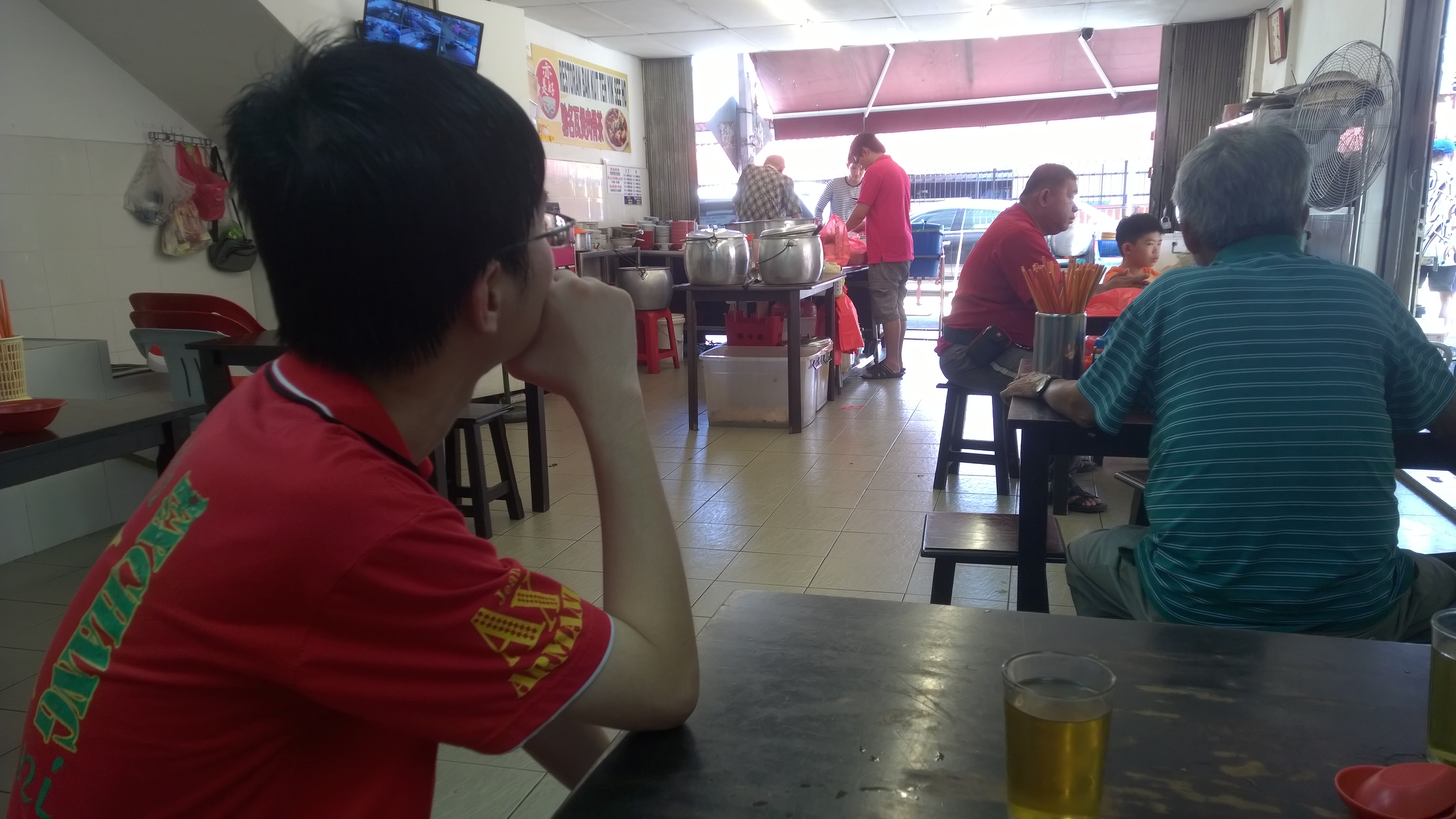
We decided to have the famous Bak Kut Teh as our lunch. We took LRT because the restaurant selling Bak Kut Teh was quite far from our hotel. The Bak Kut Teh in Kuala Lumpur has totally different taste from the one we always find in Singapore. The soup is herbal soup, instead of peppery soup.

Waiting Bak Kut Teh to be served.

After lunch, we visited many attractions in the city, such as Petronas Twin Tower, KLCC, Dataran Merdeka, Kuala Lumpur City Gallery, and Petaling Street.

Masjid Jamek, one of the oldest mosques in Kuala Lumpur.
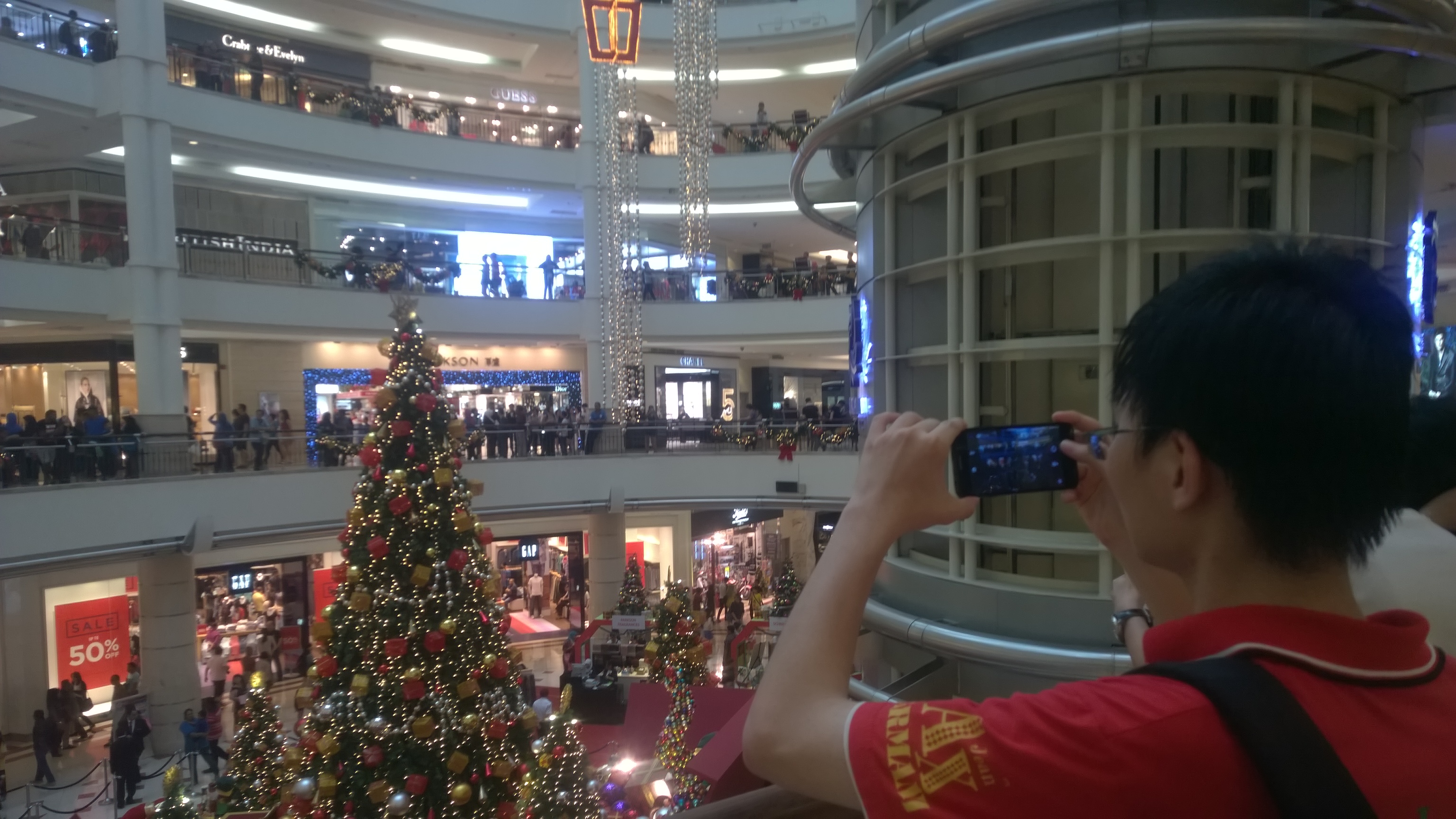
Christmas decoration in KLCC.
Lok Lok, one of Malaysia local delights is available near our hotel.
Lok Lok, one of Malaysia local delights, is available near our hotel.

Our Product Is Everywhere

Even the tissue paper we use is from Easybook!
Even the tissue paper we use is from Easybook.com!

Our returning trip was on Sunday afternoon from TBS to Singapore.

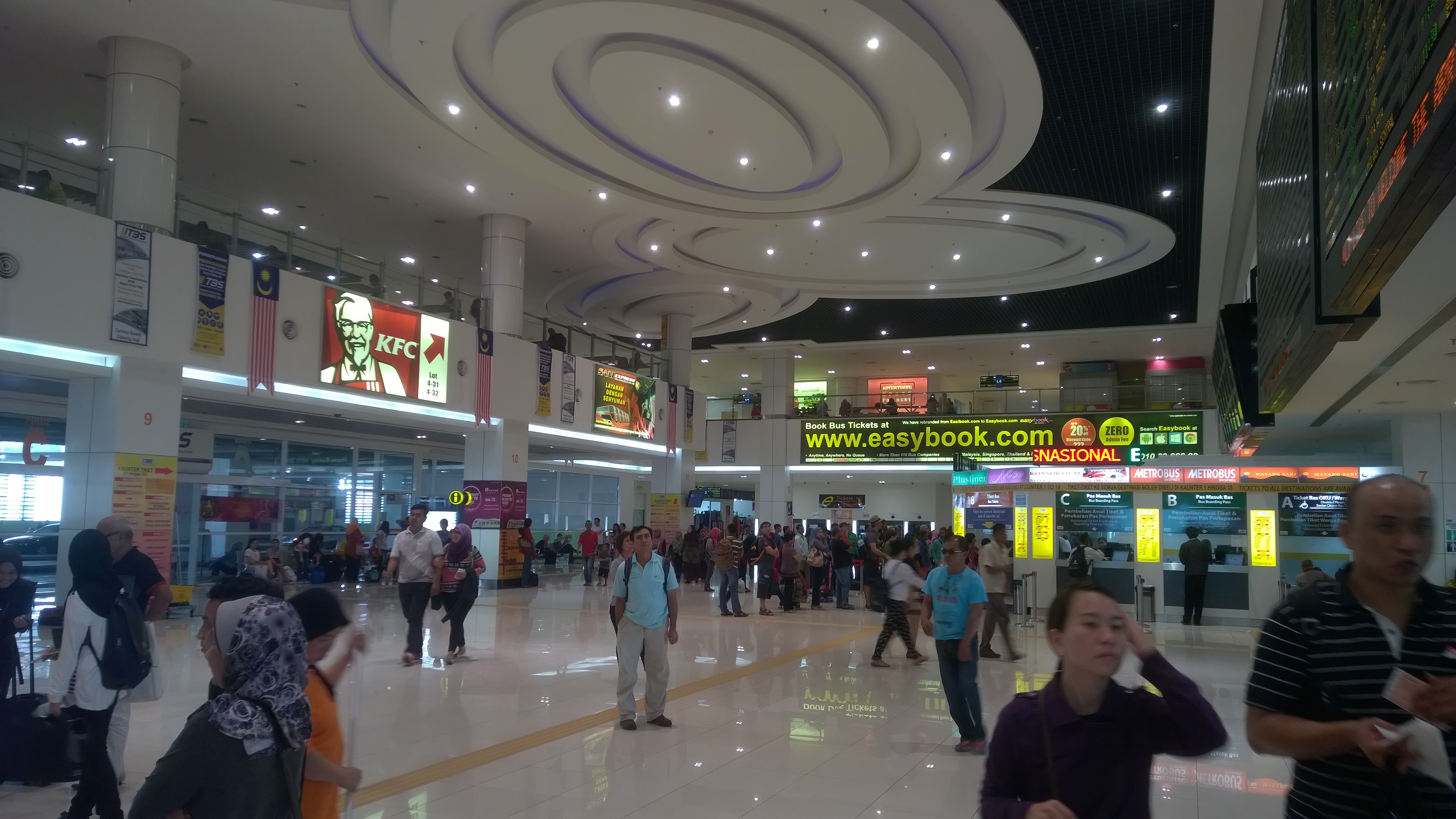
When we just walked in the the TBS lobby, what we could see was a big advertisement of Easybook.com.

In 2014, we successfully integrated with TBS system. Hence, now our customers can actually easily check-in and collect ticket at TBS.

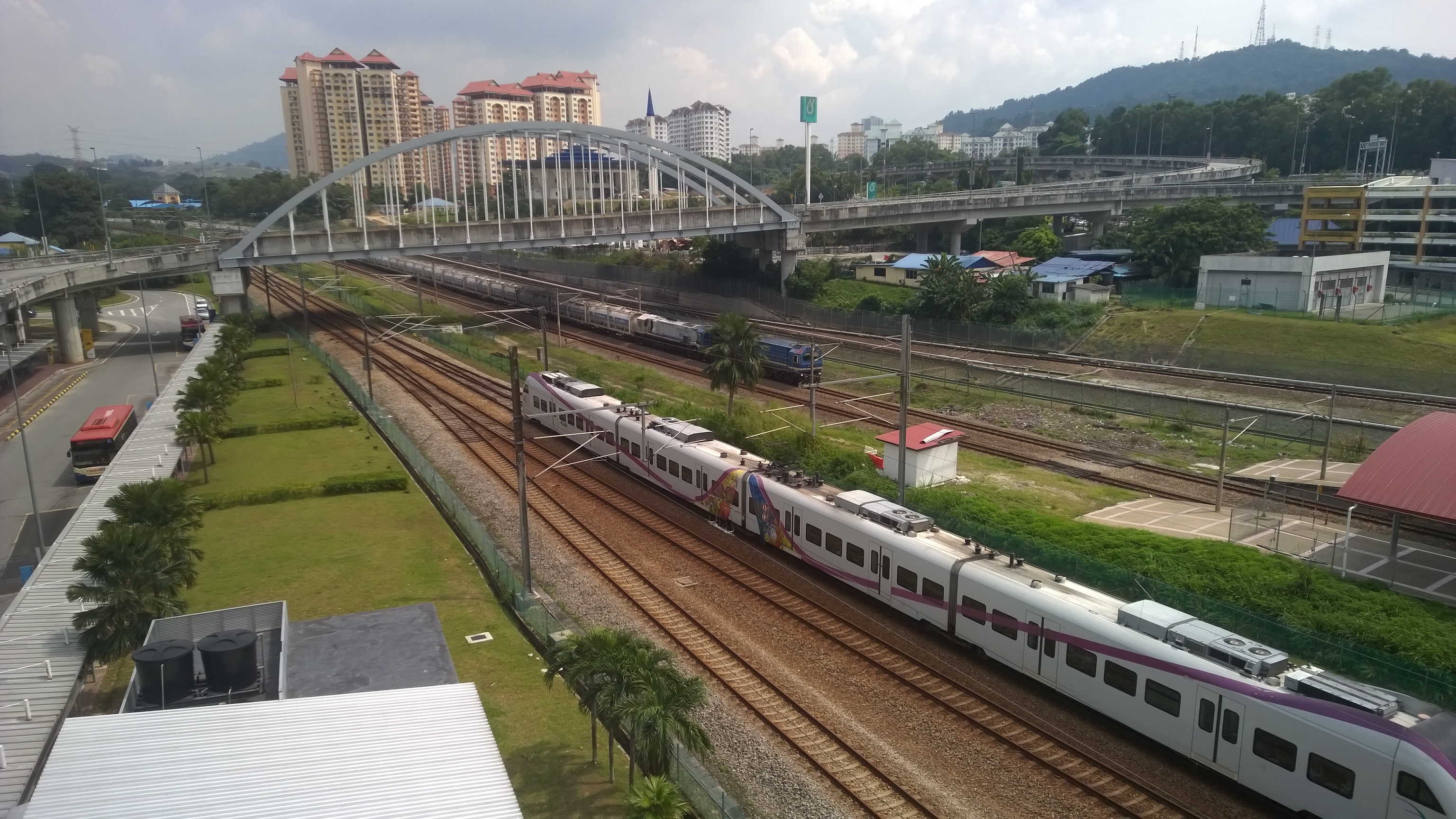
When I was walking outside the terminal, I saw the KTM Berhad train station, Badar Tasik Selatan, located just beside TBS. That reminded me the KTM Berhad train booking which was just implemented on our platform last month. Hence, our customers can easily book the train tickets on Easybook.com and then earn some loyalty points.

After we check-in at the coach counter in TBS at 12:30pm, we boarded the coach at 1:30pm to go back to Singapore.

Easybook.com advertisement is very obvious in TBS.
Check-in at coach counter in TBS with Easybook.com order summary.
Train services, such as KTM Berhad, is available in TBS as well.
Train services, such as KTM Berhad (train ticket provider on Easybook.com platform), are available in TBS as well.

Easybook.com

I think technology has the capability to make our life better. That’s why I like building software applications. Thus, it’s very important for developers to experience the changes their software brings to the society themselves.

In this trip, we have witnessed how our system improves the workflow of bus operators, how our application helps travelers to plan their journey easily, and also how our website introduces attractions in both countries to the world. I am amazed by what we have achieved so far.

With just IT system and tour, it is already almost endless what we can do. So, what is our next goal? =)