
I was once asked how to build and maintain an open source project. A successful open source project not only solves a particular problem well, but also follows best practices in order to have a high code quality.
Last year December, I published my open source project, go-onedrive, a Golang client library for accessing the Microsoft OneDrive REST API.
Last month, go-onedrive successfully received 28 stars, which is the highest number of stars I received on GitHub. Also, there are new contributors joining the project. Meanwhile, I am also honoured to have received code review feedback about the go-onedrive project from Brian Ketelsen, Principal Cloud Advocate in Microsoft. Even though it’s not a great achievement, but I’m still satisfied because it’s the first time my projects on GitHub received so many eyeballs.
Hence, in this article, I will talk about maintaining this open source project, go-onedrive.
Changes Based on Feedback Received
Not all contributors will submit a pull request for their feedback. They may just submit an issue on GitHub and we have to work on that. Sometimes, they may simply message us to let us know their thoughts. Hence, we need to make the changes according to the valid feedback and comments.
Brian Ketelsen commented about the Golang file naming in the project. According to Brian, Golang source file names should be all lower case (same with package names and directory names) because some file systems are case-preserving. Hence, there will be cases where both myFile.go and myfile.go can be two different files in the same directory.
We need to use git mv to rename the files.
git mv myFile.go myfile.go
Git can then tell that those files should be renamed, as shown below on Visual Studio Code.
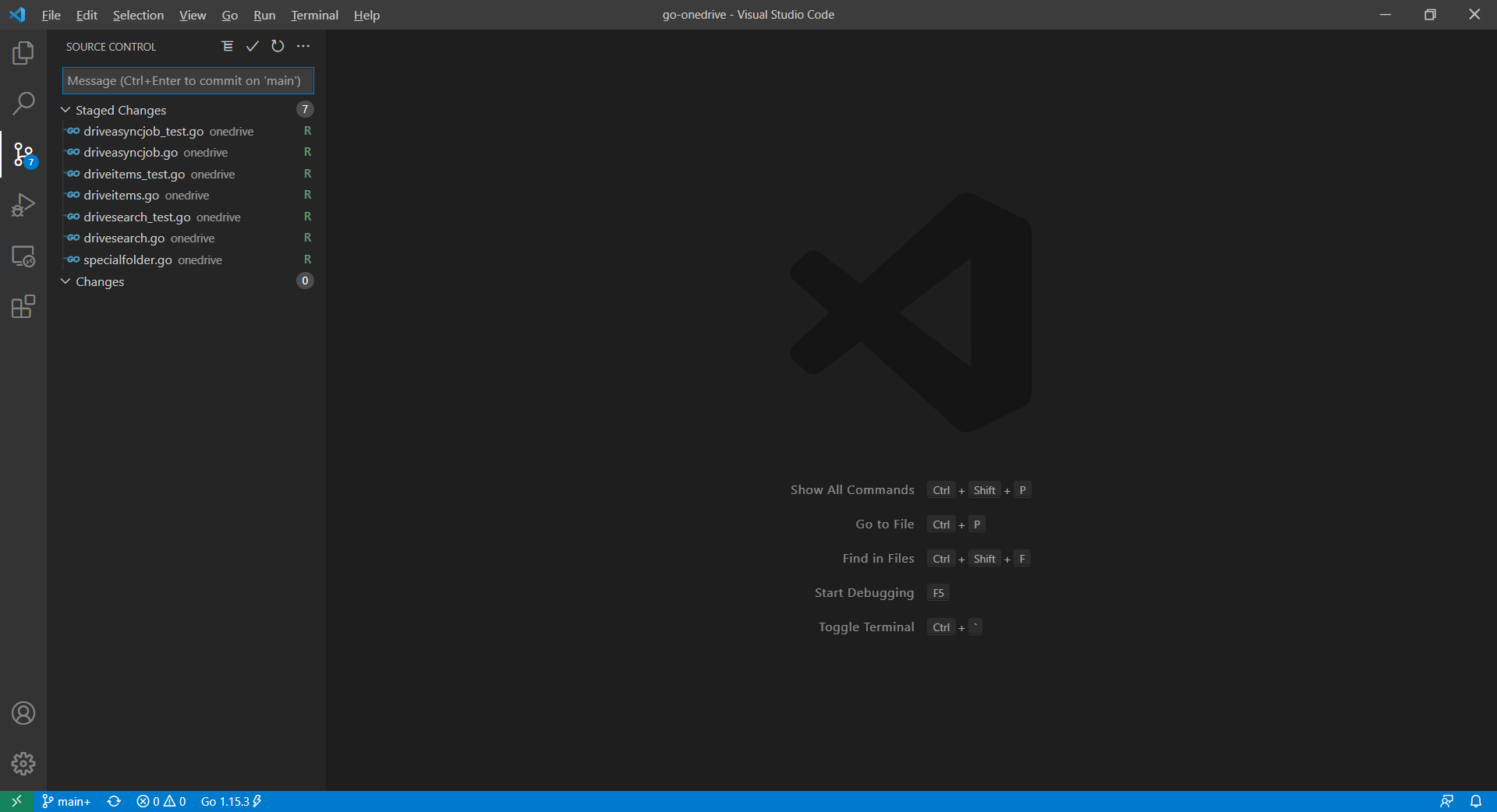
There is one thing to take note here also is that, Git has a configuration setting that indicates whether to be case sensitive or insensitive: core.ignorecase. So if Git is case insensitive, then the direct change of file name from myFile.go to myfile.go without using the git mv command will not be picked up by Git. It is not recommended to modify this settings directly because then the files will be marked as “U” (updated) instead of “R” (renamed), as shown in the Visual Studio Code below. This will cause error in Go Build pipeline later on GitHub.

Changes From Pull Requests
I am glad to have two contributors, @nullaus and @ti55987, joining from another part of the world. They not only provided great improvement to the library by introducing new functionalities, but also followed the existing coding style in the project. So, I’d like to take this opportunity to thank them.
As the owner of the library, I’m aware that how contributors communicate can have a significant impact on the success of the Pull Request. I respect the time taken by the contributors to improve the codes. Hence, if sometimes they’re not able to correct the Pull Request based on the agreement, then I will try to make the changes on their behalf.
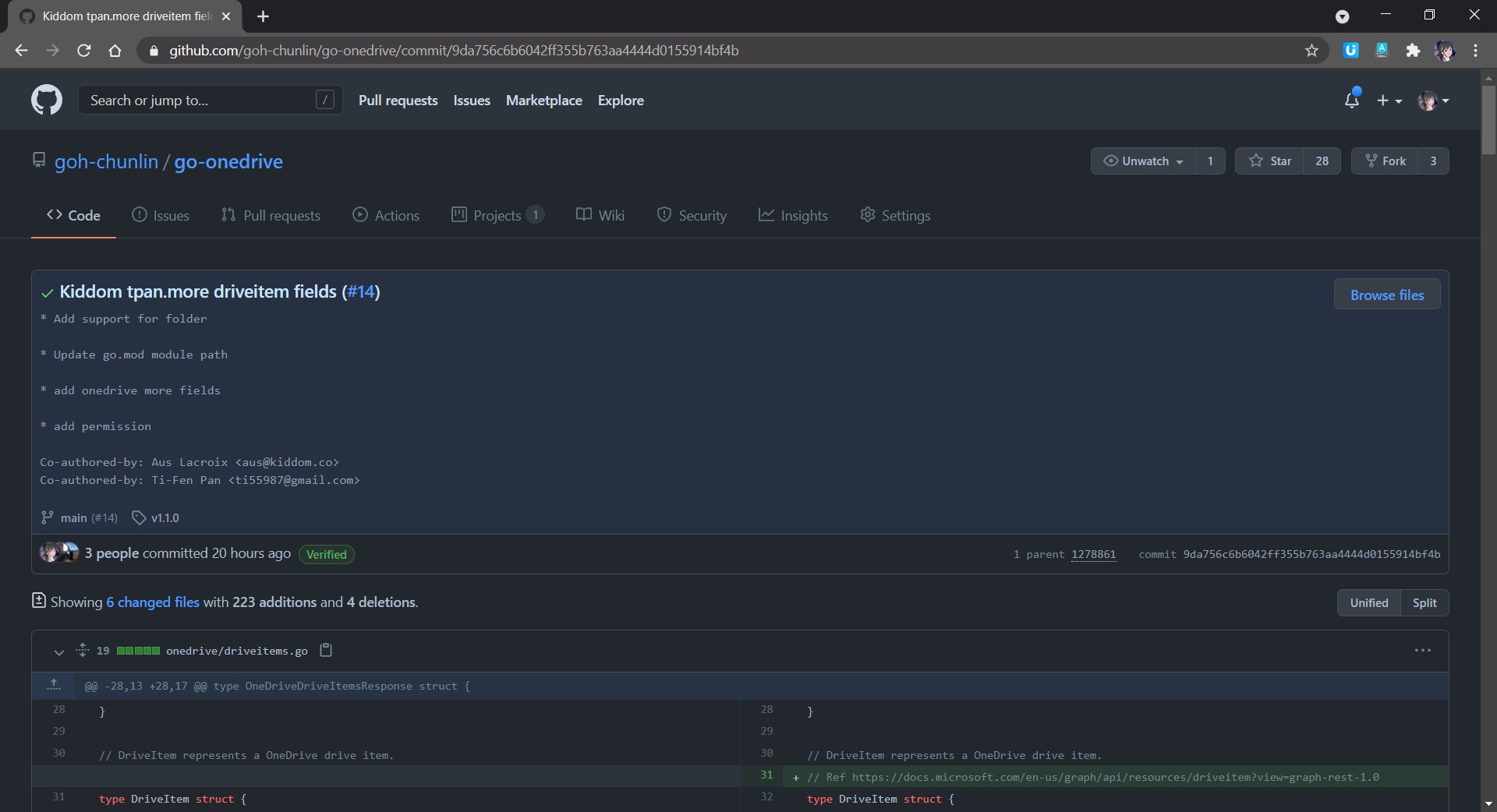
In the most recent change, one of the contributors submitted a new service for Shared Link in OneDrive. I noticed that hardcoded strings are used in the new code. This makes the client to be able to send any valid string and there will be no errors. Hence, I changed the code to use proper enums.
Publish Package with VS Code
Once all the necessary changes are done, it’s time to publish a new package for the users on Pkg.go.dev.
Firstly, we use the following command to tidy up the dependencies in go-onedrive library. This removes any dependencies the module might have accumulated that are no longer necessary.
go mod tidy
Now we can proceed to publish our module by first creating a Release of it on the GitHub. To do so, we open the Command Palette (Ctrl + Shift + P) and choose Git: Create Tag.
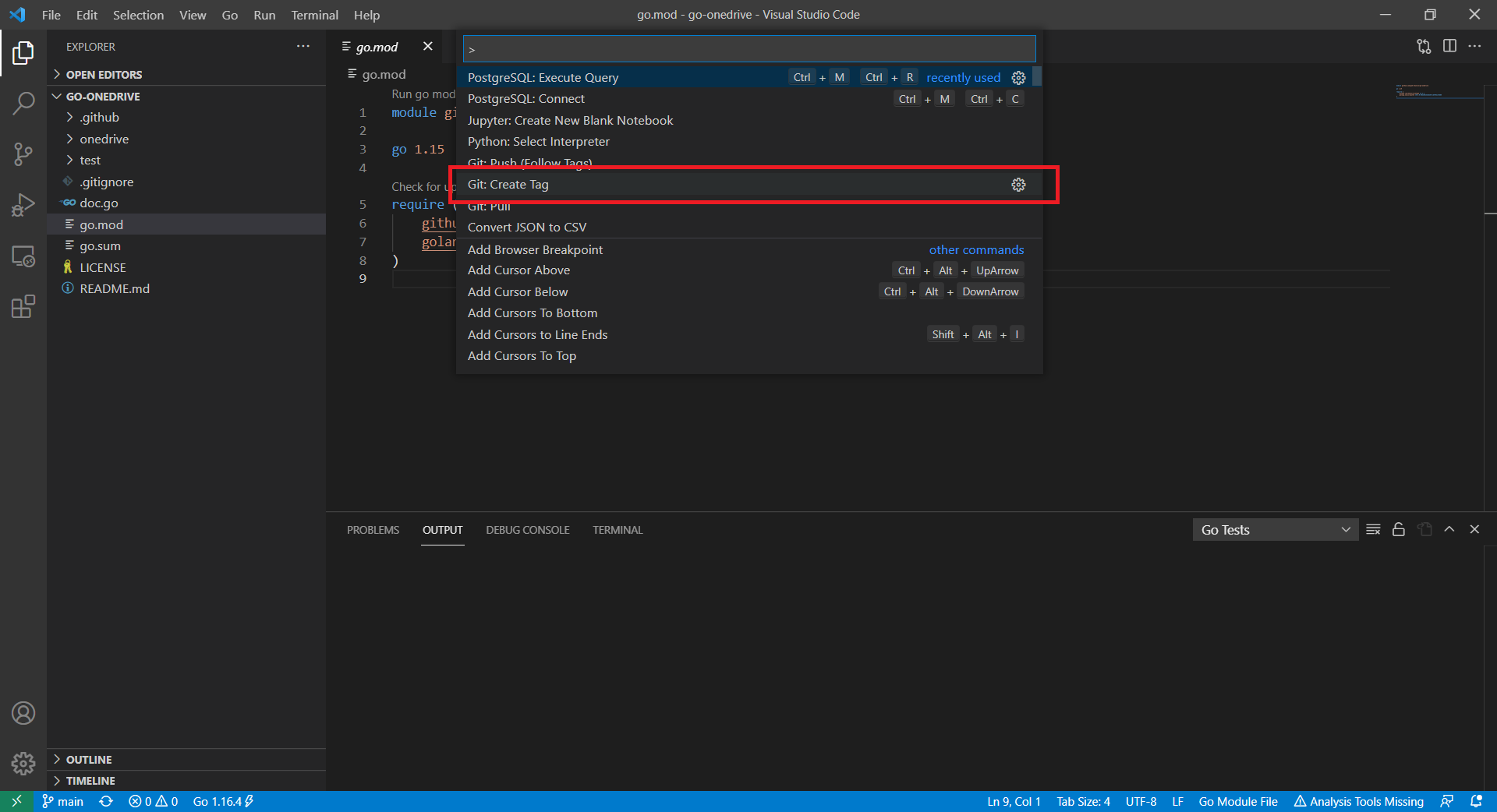
For the tag, we must use the semantic version tag, which has the form has the form vMAJOR.MINOR.PATCH.
MAJOR: Increased when there is a backwards incompatible change to the public API of our module.MINOR: Increased when a backwards compatible change to the API, like changing dependencies or adding a new function, method, struct field, or type.PATCH: Increased after making minor changes that don’t affect your module’s public API or dependencies, such as fixing a bug.
Since this time we introduce the new Permission relevant functions, we should increase the MINOR and thus reset PATCH to 0.
In addition, go-onedrive is now in its first stable version, so its MAJOR is 1. If your module is not yet mature, you can tag it as v0.1.0 which is the initial, unstable version.
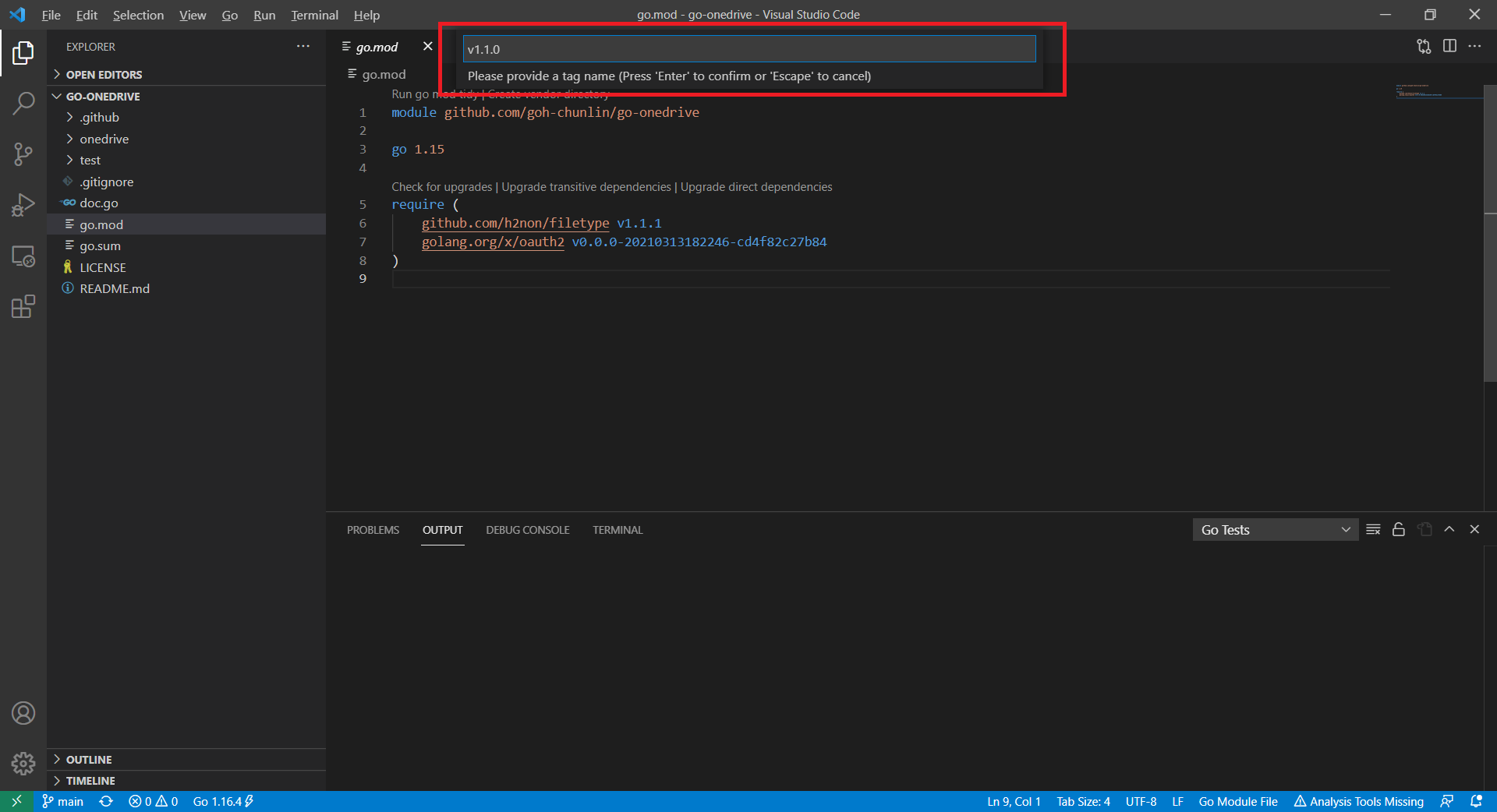
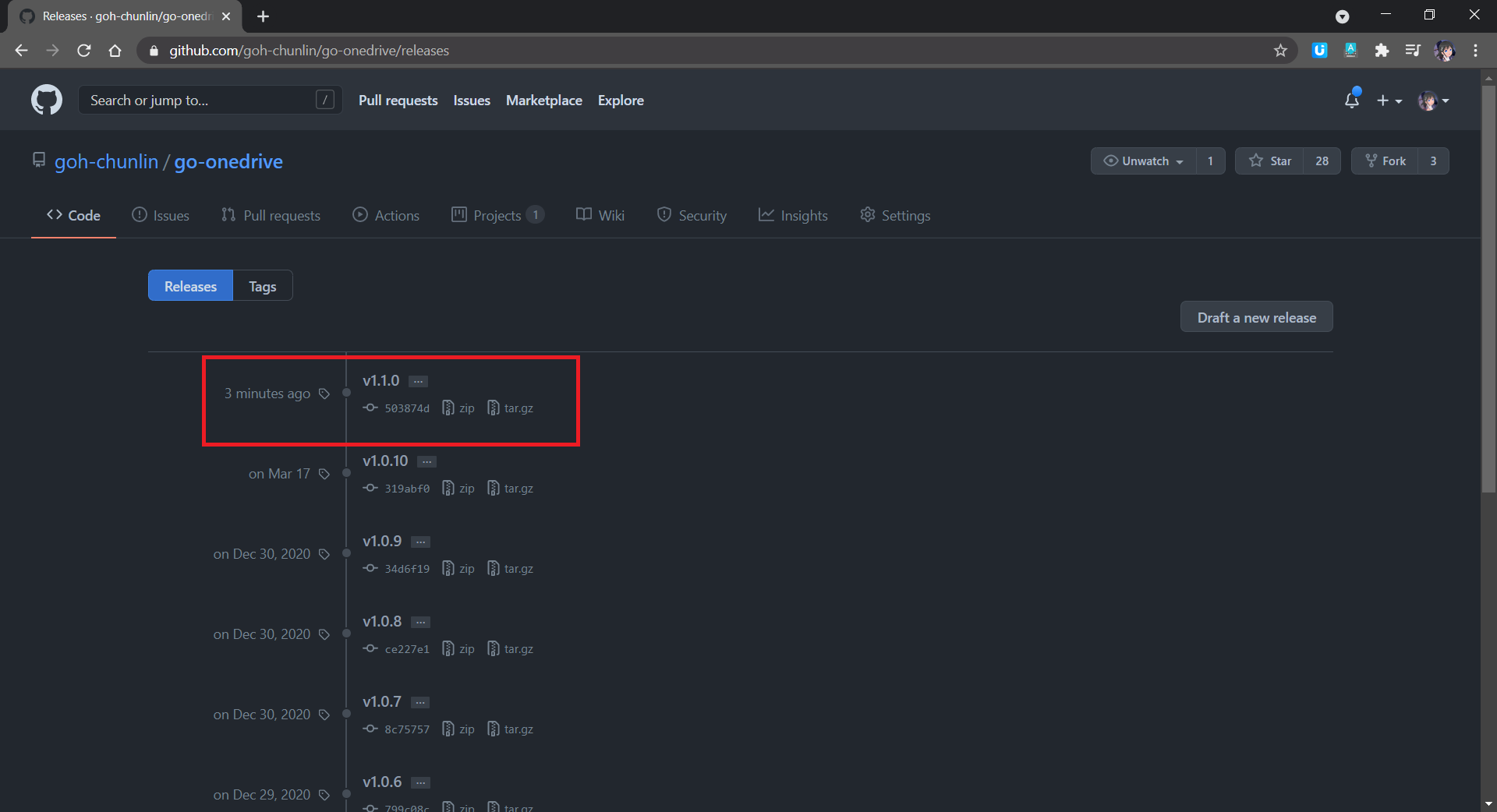
Finally, we need to push the tag to the remote server. To do so, we simply open the Command Palette again and choose Git: Push (Follow Tags). Then we shall see our new package now available on GitHub Releases page, as shown below.
Now, how to we update the Pkg.go.dev? Now if we navigate to the v.1.1.0 web page on Pkg.go.dev, we will be told that it cannot yet be found, as shown below.
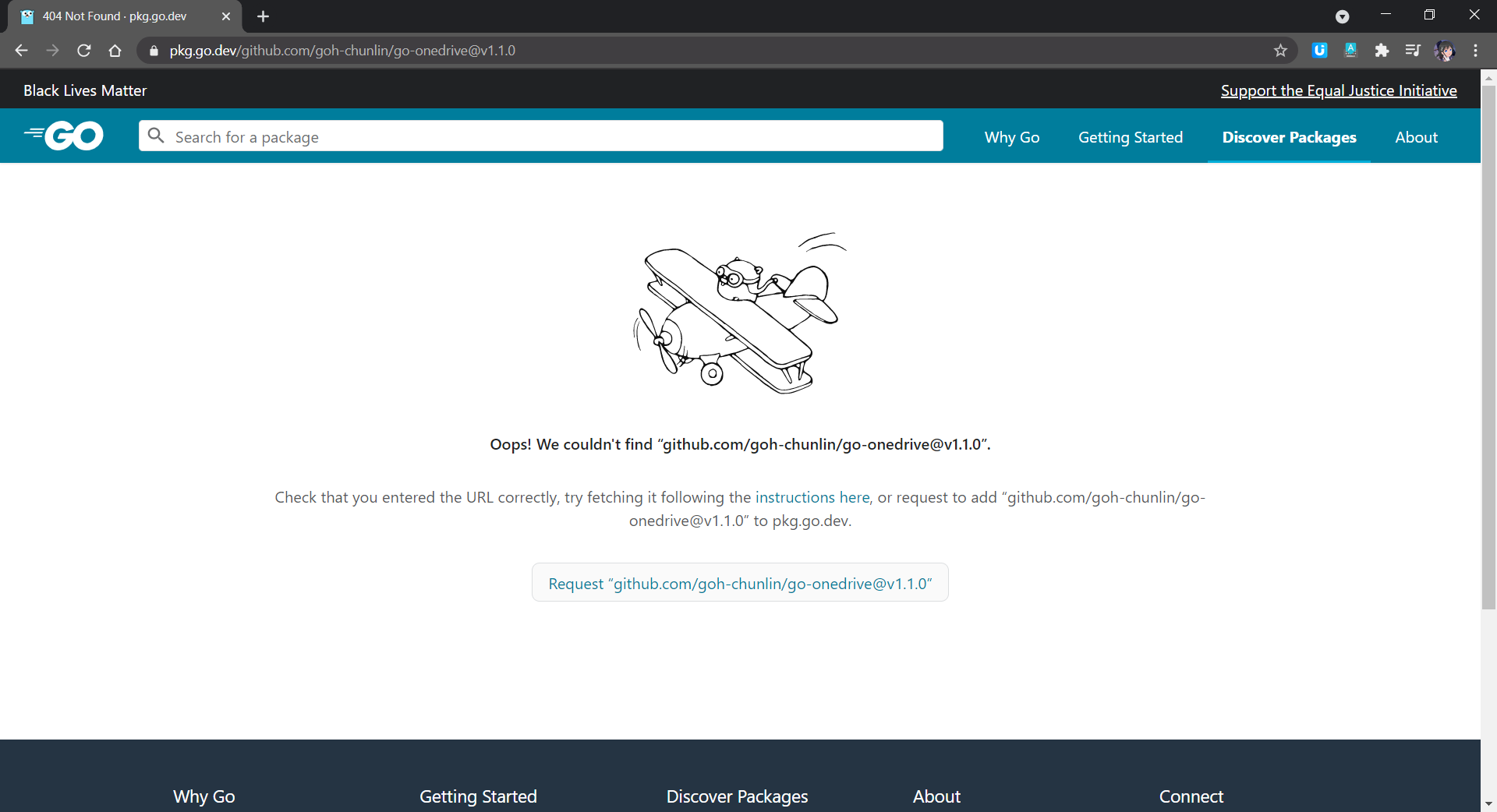
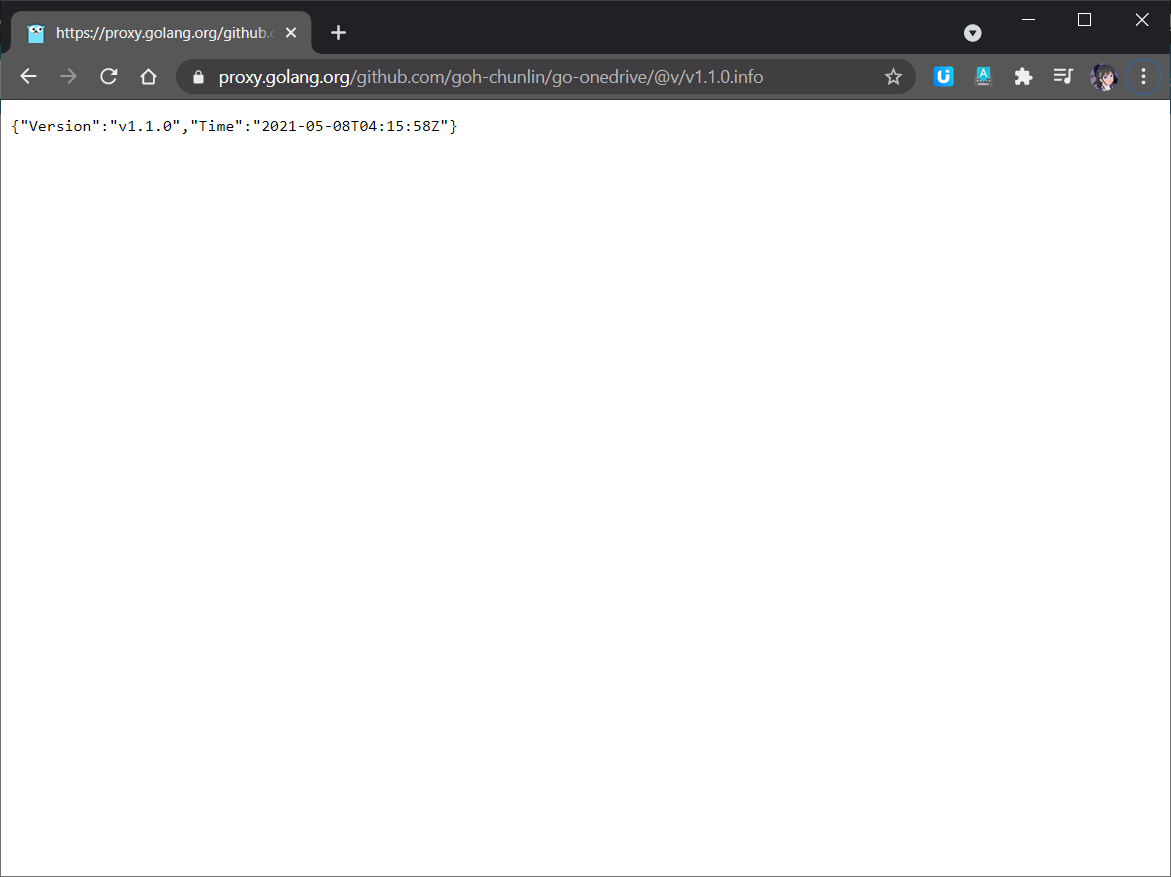
This is because new packages are added to Pkg.go.dev through the scheduled monitoring of the Go Module Index. Hence, if we don’t see our packages on the website, we can manually make a request to fetch our packages by following the instructions here. The following screenshot shows how I make a request to proxy.golang.org, where the data of the Pkg.go.dev is downloaded from. In my case, after doing that, in less than 10 minutes, the package will be made available on the Pkg.go.dev website.
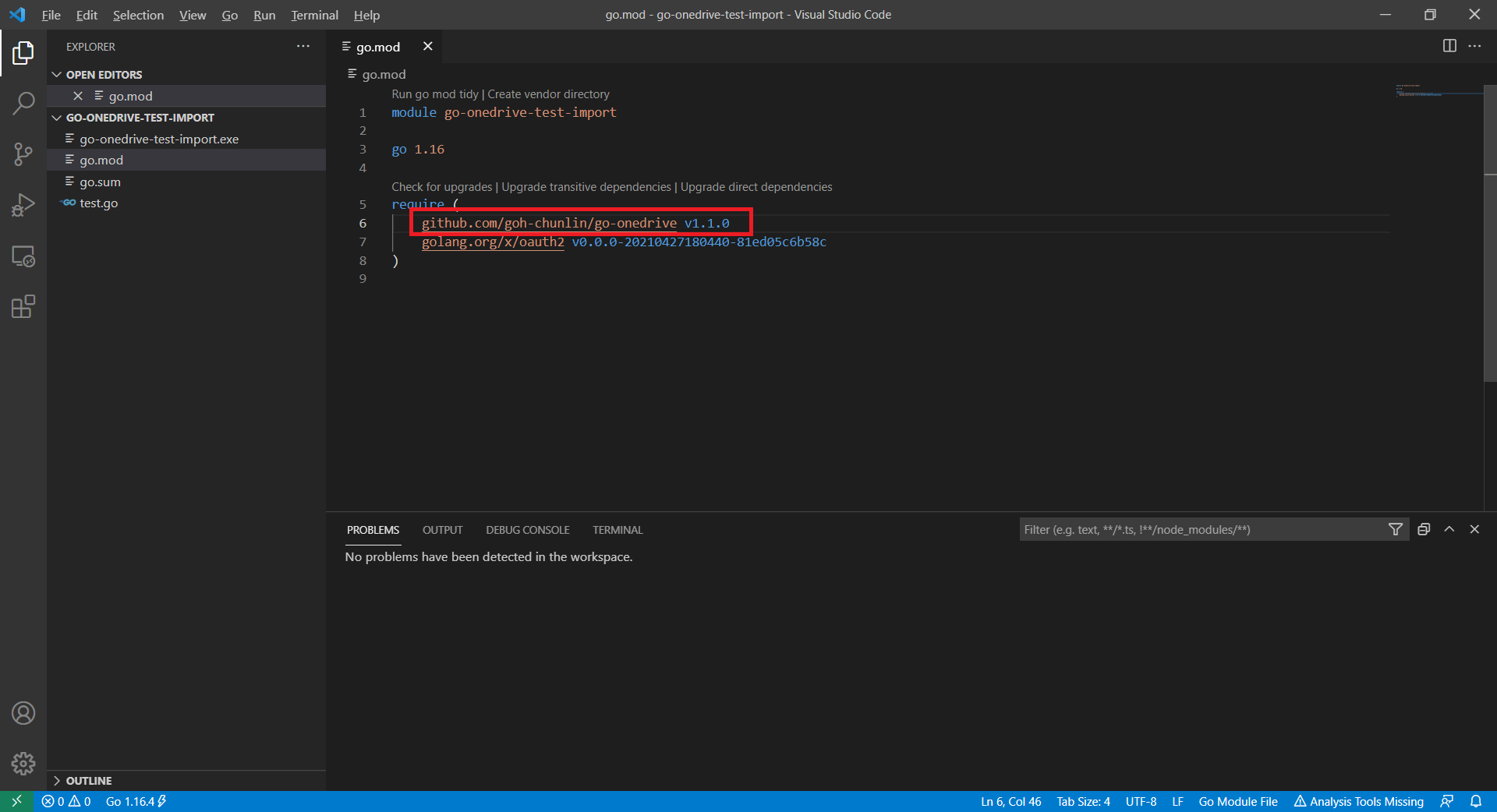
With this new release, the users can simply update to use the latest version of go-onedrive in the go.mod file of their projects. After running the go mod tidy command, then they are good to go to use the new go-onedrive library.
 cuteprogramming