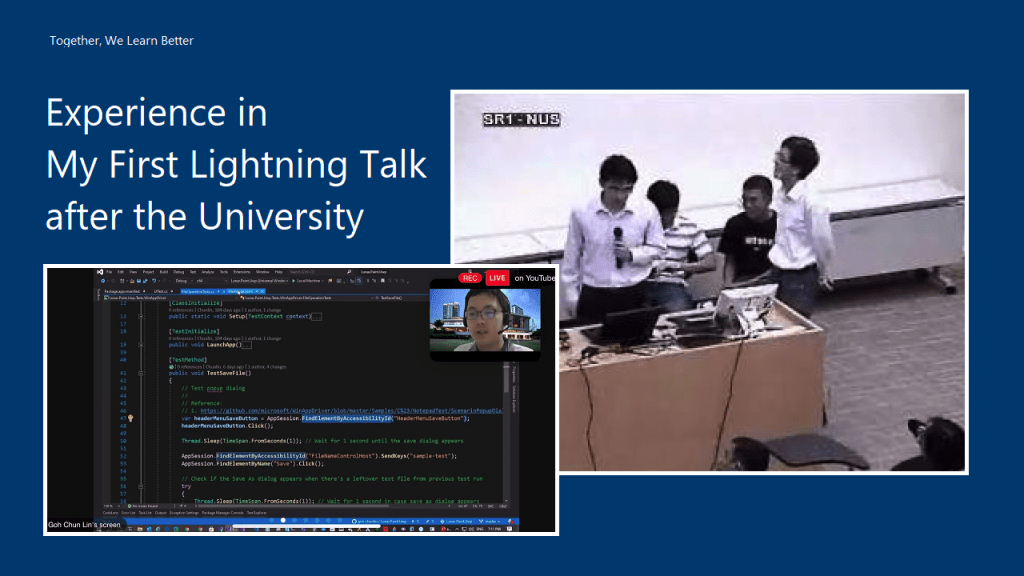
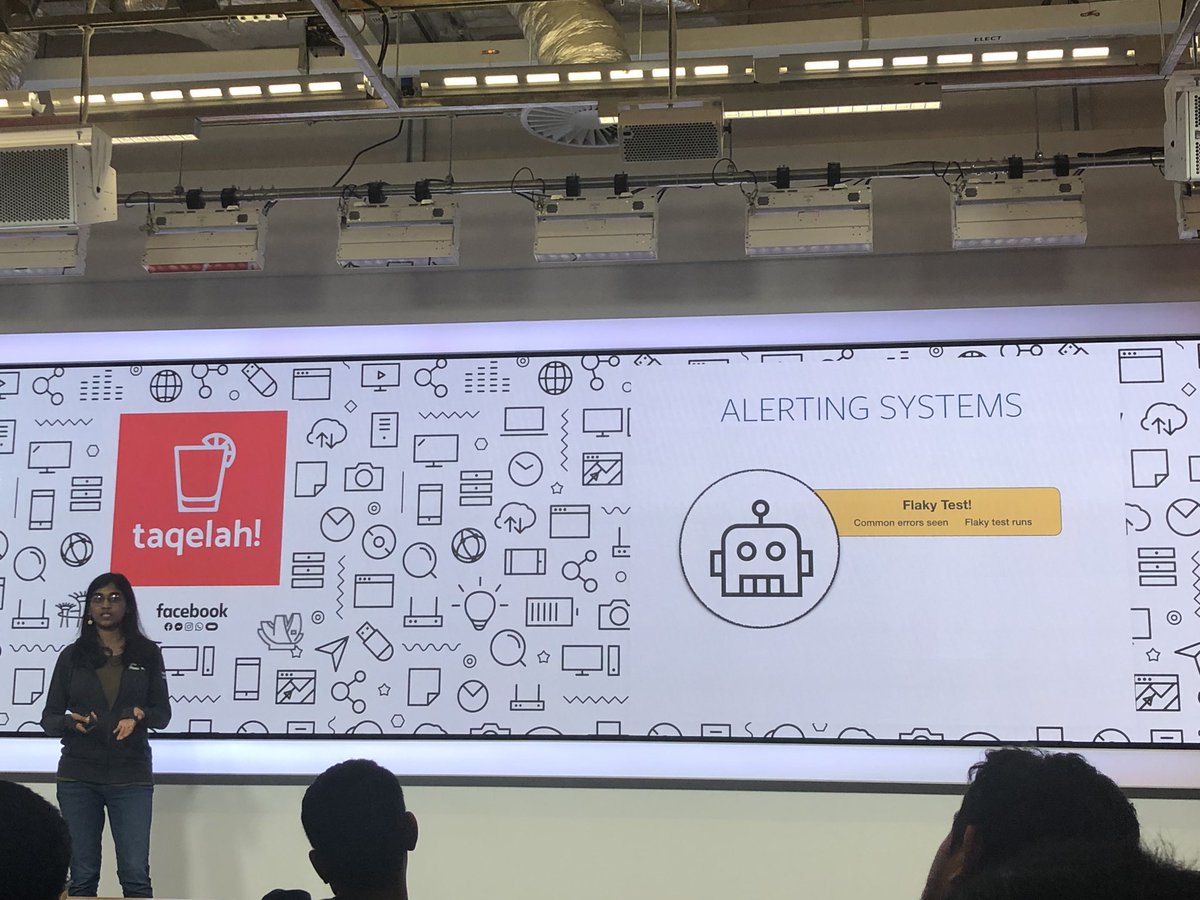
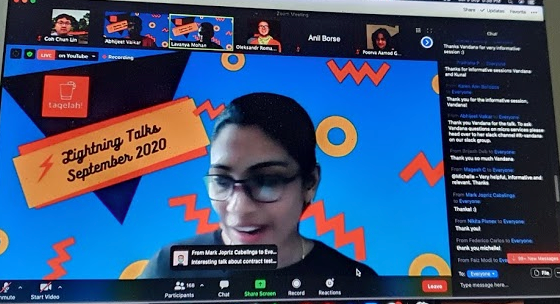
It has been almost a decade since I was given an opportunity to be a speaker in a lightning talk session. My previous lightning talk was given when I was a student in Dr Damith‘s class back in National University of Singapore (NUS). This year, I am glad to be one of the 15 speakers in TAQELAH lightning talk session focusing on different aspects of test engineering and test automation.

After graduation from the NUS, I always gave talks in several .NET and Microsoft Azure related events. I was always given the time which is more than enough to cover the entire topic. For example, last year, I was giving a one-hour talk in the Sarawak university. Hence, giving a lightning talk which I’m only allocated a 10-minute slot is very challenging to me.
In order to help me to better prepare for future talks, I thus would like to note down some of the key things in my preparation journey for this 10-min lightning talk. I hope my notes here will help those who are new to giving talks as well.
Content Preparation
Normally, as a speaker, we can choose the topic that we’d like to talk about ourselves. Hence, it’s very important to choose a relevant topic which is going to be useful to the audience.
On top of that, it’s better to share something that we are already quite familiar with or we have been using for quite a while. So I’d never shared anything about Kubernetes, Blockchain, or any other cool technologies in the public talk because I totally have no experience with them even though there are the “hot” topics that will excite the audience.
The topic I choose for TAQELAH sharing session is about doing GUI test automation for UWP apps with Appium and WinAppDriver. I am actually using the same tools in my work. Besides, I have also blogged about it and shared the knowledge with my teammates earlier. So I know at least I don’t make any huge mistake in my blog post. Thus, the content that I use for the talk is mostly from the blog post. This saves me a lot of time on preparing it and I am sure that it’s helpful to other people who are facing the same issues as me in UWP GUI testing.
Another good thing for having a blog post for our topic is that audience can refer to it for more details after the event because to cover all details in a lightning talk is impossible. So that is one way to keep in touch with the audience as well.
Rehearsal and Dry Run
The actual event was on Saturday and I had started prepared for it since Sunday, i.e. 6 days before the event. Everyday I took about one hour to practice it.
Fortunately, TAQELAH team is very friendly that they specially arrange a section for me to do a dry run on Friday evening, which is one day before the event. Not only that, the organising team has also grouped all the speakers in both Telegram and Slack. So we are all always kept updated with the latest arrangement or other news about the event.
So I really must thank the team for putting so much effort to make this event a successfuly one.

Notion and OBS
I have the speech transcript prepared so that I know what to say. Here I am using an app called Notion because it comes with both desktop and app versions for free.
Few days before the talk, I started to work on my speech. After that I used OBS to record down my rehearsals. This helps me to easily time my speech and listen to my voice over the microphone.
So after changing the script for about 10 times, I came up with the final version that I will be using for the talk. In fact, I keep on changing the script until the day itself. Finally I managed to cut down my talk to be less than 8 minutes.
Another thing that I like about Notion is that I can lock the document on the app and prevent me to accidentally edit it while scrolling through it on the phone. So I can easily refer to the script during my talk. Even though I don’t entirely follow the script because it will be quite difficult to look at two screens at the same time, the script helps keeping my talk within the time limit.
:no_upscale()/cdn.vox-cdn.com/uploads/chorus_image/image/65263805/notion.0.png)
Noted down Required Programs
If we have demos in our presentation. It’s also important to note down the programs that are needed. In addition, it is better if those programs are launched before the presentation so we don’t have to spend the time opening the programs one by one.
One hour before my presentation, I realised that the Test Explorer in my Visual Studio suddenly couldn’t run the tests. I had no time to find out the reasons. Instead, I chose to restart the computer. Luckily, the restart helped to fix the issue. Also, since I have the list of programs that are needed, after the restart, I easily setup all the programs for demo in less than one minute.
Mute the Notification
It’s important to make sure that all programs that can show notifications, such as Microsoft Teams, Outlook, Whatsapp, etc are muted or closed during the presentation so that there won’t be any interruption happened during the talk.
Easter Egg
Before it’s my turn, I was listening to the sharing done by other speakers in the session. Interestingly, there are speakers talking tools and concepts which are important in my sharing. Hence, I decided to refer to their talk during my sharing to show that the entire session is related to each other. Hopefully this helps the audience to better learn in the session by combining different pieces of information.
Conclusion
Congratulations and thank you to the TAQELAH team for the awesome event. Good job for the speakers and audience for participating in this sharing session on a rainy Saturday as well.
 cuteprogramming