
Visual Studio Online (VSO) is a Team Foundation Server (TFS) hosted on the Microsoft Azure and offered as software development team collaboration tool that works with popular IDEs like Visual Studio and Eclipse.
The reason that I like to use VSO is its version control. VSO allows us to create unlimited private code repositories. In addition, the first 5 users are able to use the repositories and other basic features in VSO for free. If there are more than 5 users in the team, we are allowed to pay for only those extra users which is only USD2-8 per user.

In my team, we are sharing our codes on Visual Studio Online (VSO) using a Git repository.
I actually would like to share the stories about how my team works with VSO and Git. However, due to the fact that our codes are not supposed to be shown to the public, so I decide to not write anything about it. Thus, I am just going to share a few VSO-related tutorials that I found useful.
- Develop and share your code in Git using Visual Studio
- Visual Studio Online, Git, and Eclipse
- Share your code in Git using XCode
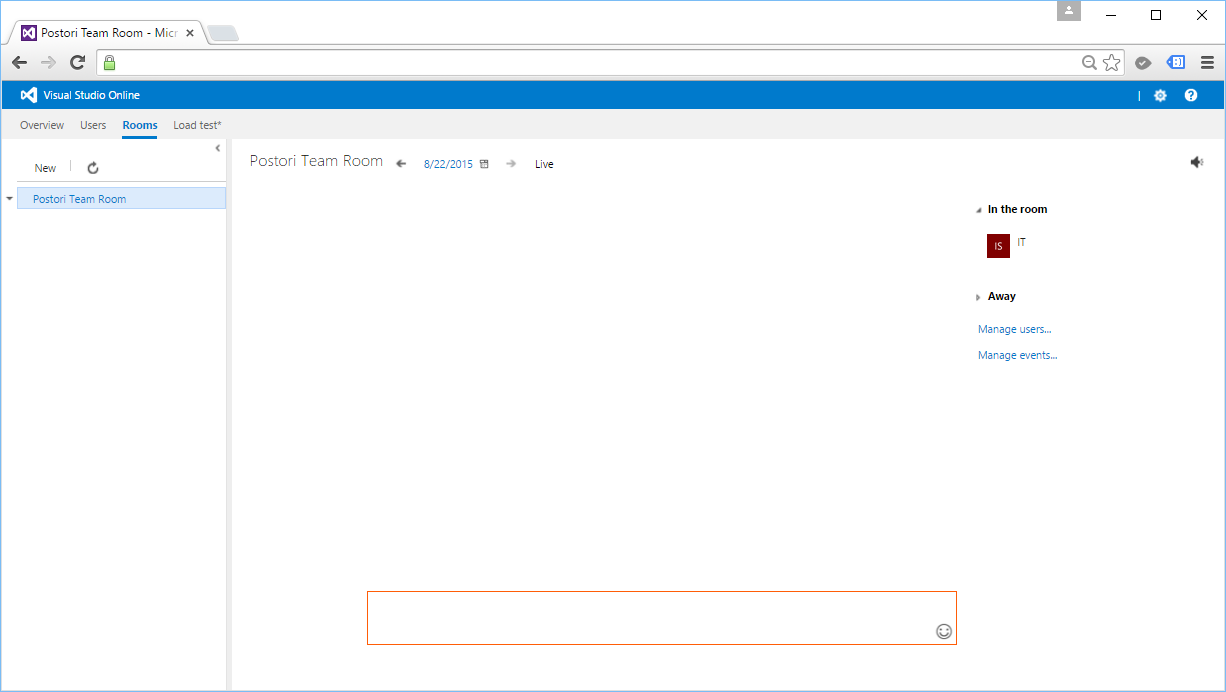
Another feature that we have tried is Team Room. Currently, we are already using Skype and Whatsapp. So, we don’t use Team Room in the end because we don’t want to trouble ourselves just to have another way of communicating with each other. We are just a team of 4-5 programmers anyway. =)
Summer 2015 Self-Learning Project
This article is part of my Self-Learning in this summer. To read the other topics in this project, please click here to visit the project overview page.

 cuteprogramming
One thought on “Visual Studio Online and Git”