
As a software engineer, it’s always fun when trying out to build some new technology and new tool. It all started with a question from my colleagues, “Is it possible to build an app for Samsung Gear?” The answer is yes, but how? I had never built an app for Android Wear and I didn’t even own any smart watch. Hence I decided to give it a try.
First View
I built the app using Android Studio.
I like the launching animation on the Android Wear emulator. Below are some amazing screenshots taken.
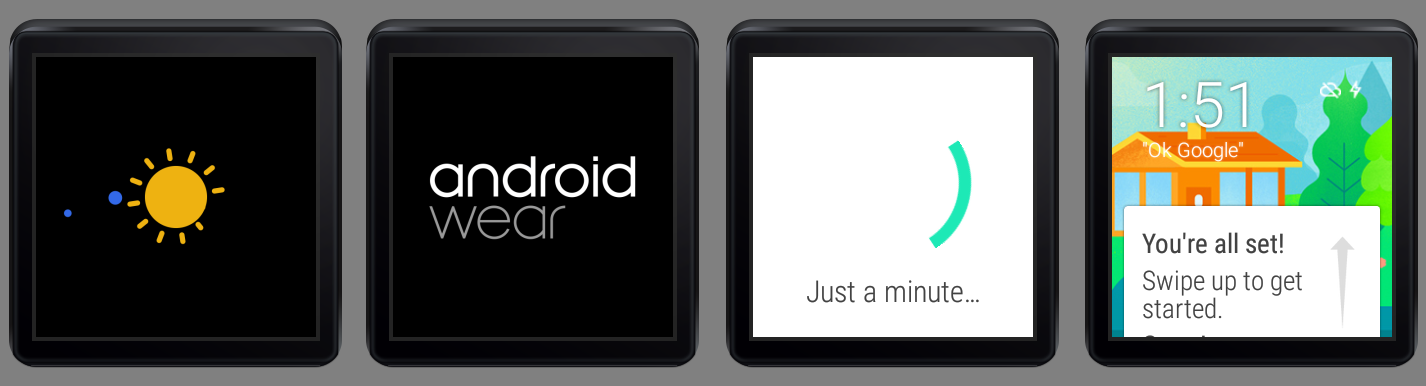
In fact, I could not get the emulator in the first place. When I tried to launch the Android Wear Square emulator, it threw the following error messages on Android Studio.
emulator: ERROR: x86 emulation currently requires hardware acceleration!
Please ensure Intel HAXM is properly installed and usable.
CPU acceleration status: HAX kernel module is not installed!
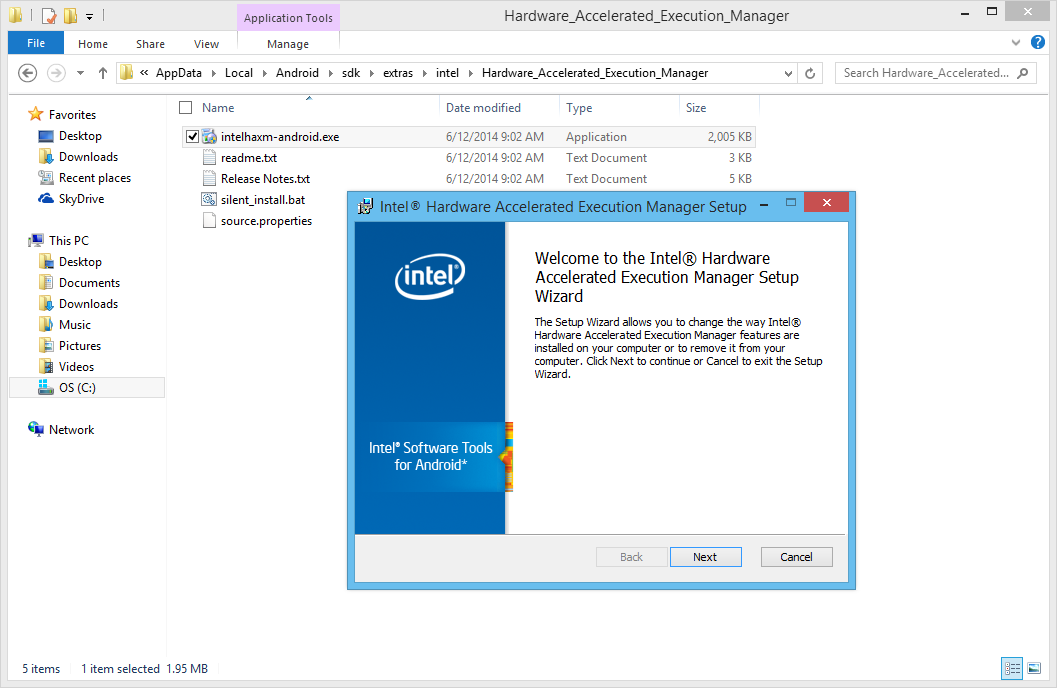
Hence, what needed to be done was just installing the Intel x86 Emulator Accelerator (HAXM) installer under the Extras folder in Android SDK Manager.
After the installation is done, there is also a need to run the installer located in the Hardware_Accelerated_Execution_Manager folder. Once it is installed on the computer, the Android Wear emulator should be able to be launched!
There is a very good discussion on Stack Overflow about this issue, please check it out if you are interested to know more.
First Draft
Currently, I haven’t finished my first app for Android Wear, Gym Challenge. However, there are already some screenshots available for it which demonstrates the look-and-feel of the application on the Android Wear Square emulator.


Meanwhile, I still have no idea on how to try out the functionality to get the heart rate of the user without connecting the emulator to the real smart watch. So, things like SensorManager mSensorManager = ((SensorManager)getSystemService(SENSOR_SERVICE)); is never tested on my app. =P
Anyway, this is just a beginning of my Android Wear app development journey. Feel free to comment or correct me if you spot anything wrong in this post. Thanks! =)
 cuteprogramming
Reblogged this on Dinesh Ram Kali..